For Individuals
 Data Recovery
 File Repair
 Data Erasure
  For Business
 Email Repair
 Email Converter
 Email Migration
 File & Database Repair
  Toolkit
 Forensic
 Lab Services
 Our Partners
 About
About Company
 Leadership
  Media Coverage
 Press Releases
 Career
  Resources
 Case Studies
 Blogs
Blogs  Articles
  Videos
  Support
 Contact us

Stellar Data Recovery Professional helps you recover data from removable media, hard drive (external & internal), CD, DVD and much more. It recovers lost or deleted files after almost all instances of data loss. Here is the working steps of the software:
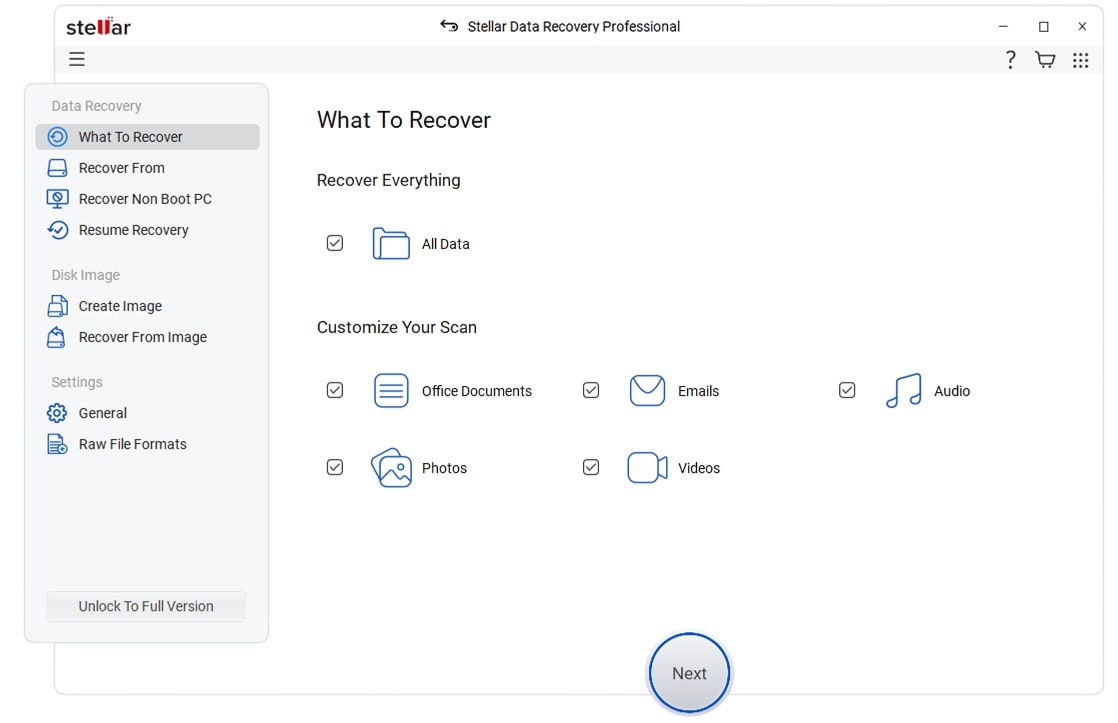
Step 1: Select file type that you want to recover.
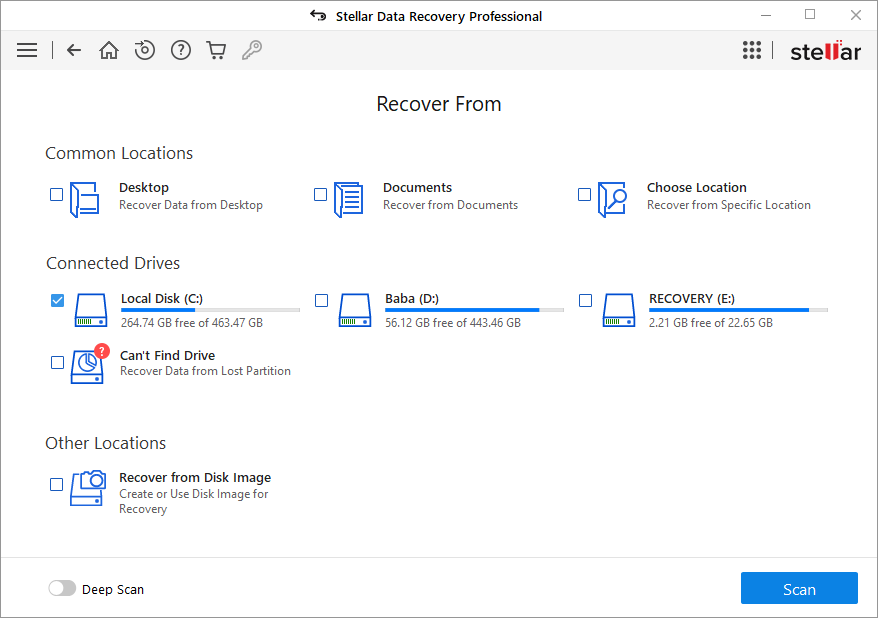
Step 2: Now select the location from where you want to recover.
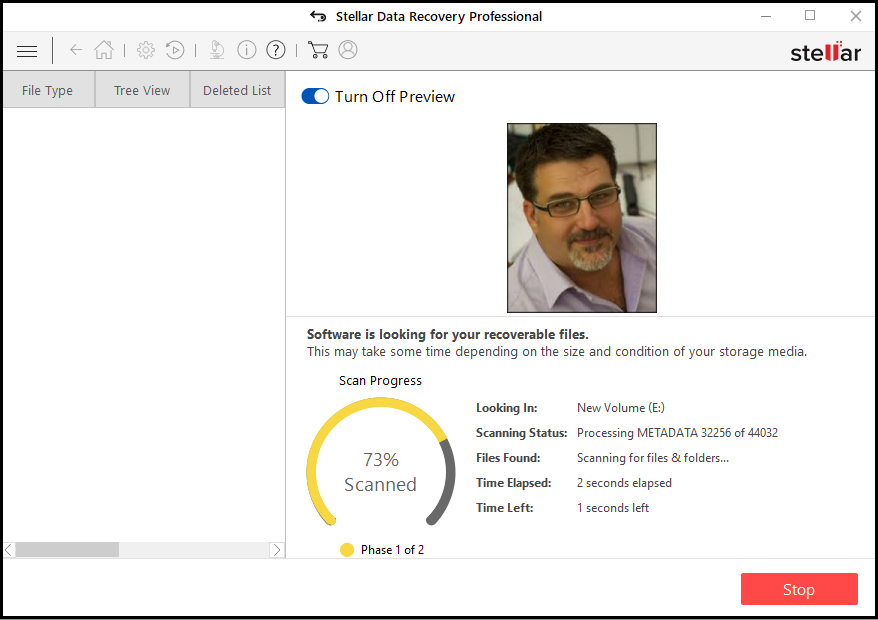
Step 3: Click "Turn on Preview" option if you want to see preview while scanning.
Step 4: You can see the preview of all files by clicking on the file.
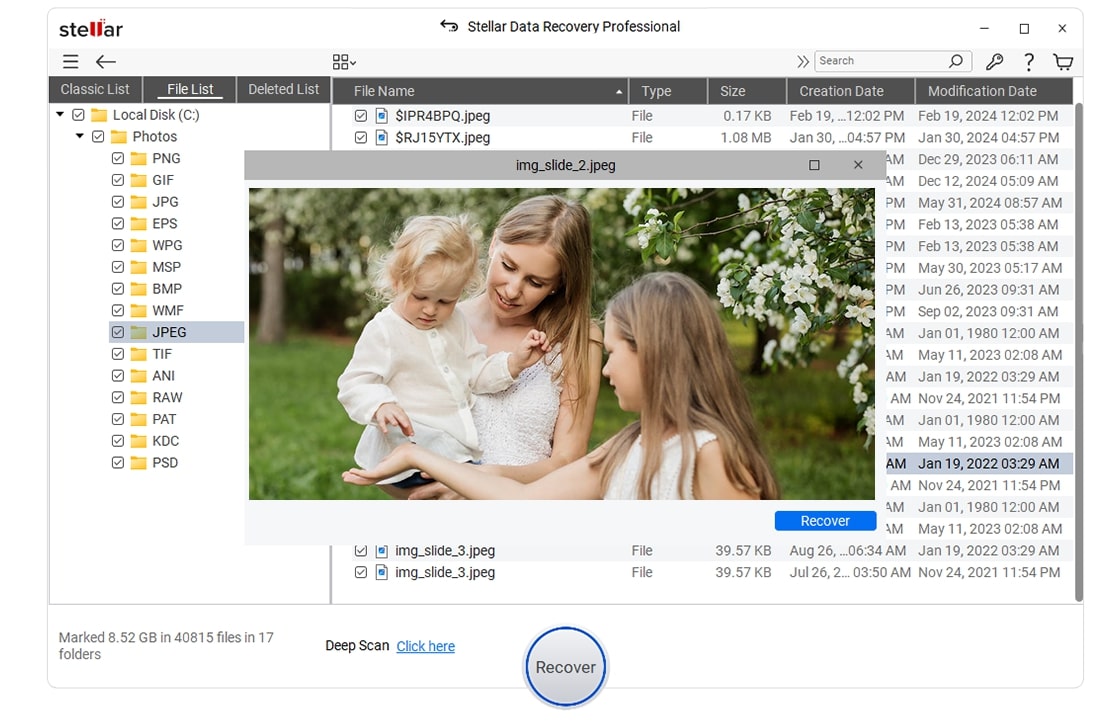
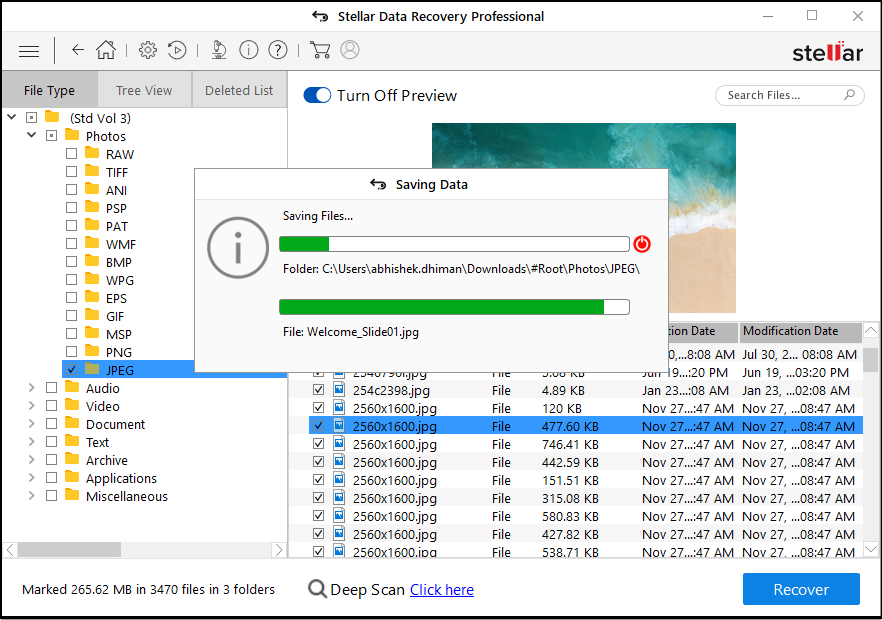
Step 5: Select the location to save the recovered files.